
 Visit plugin in WPBay page
Speed Script Snippet
Add custom JS (JavaScript), CSS and HTML without lowering your PageSpeed score!
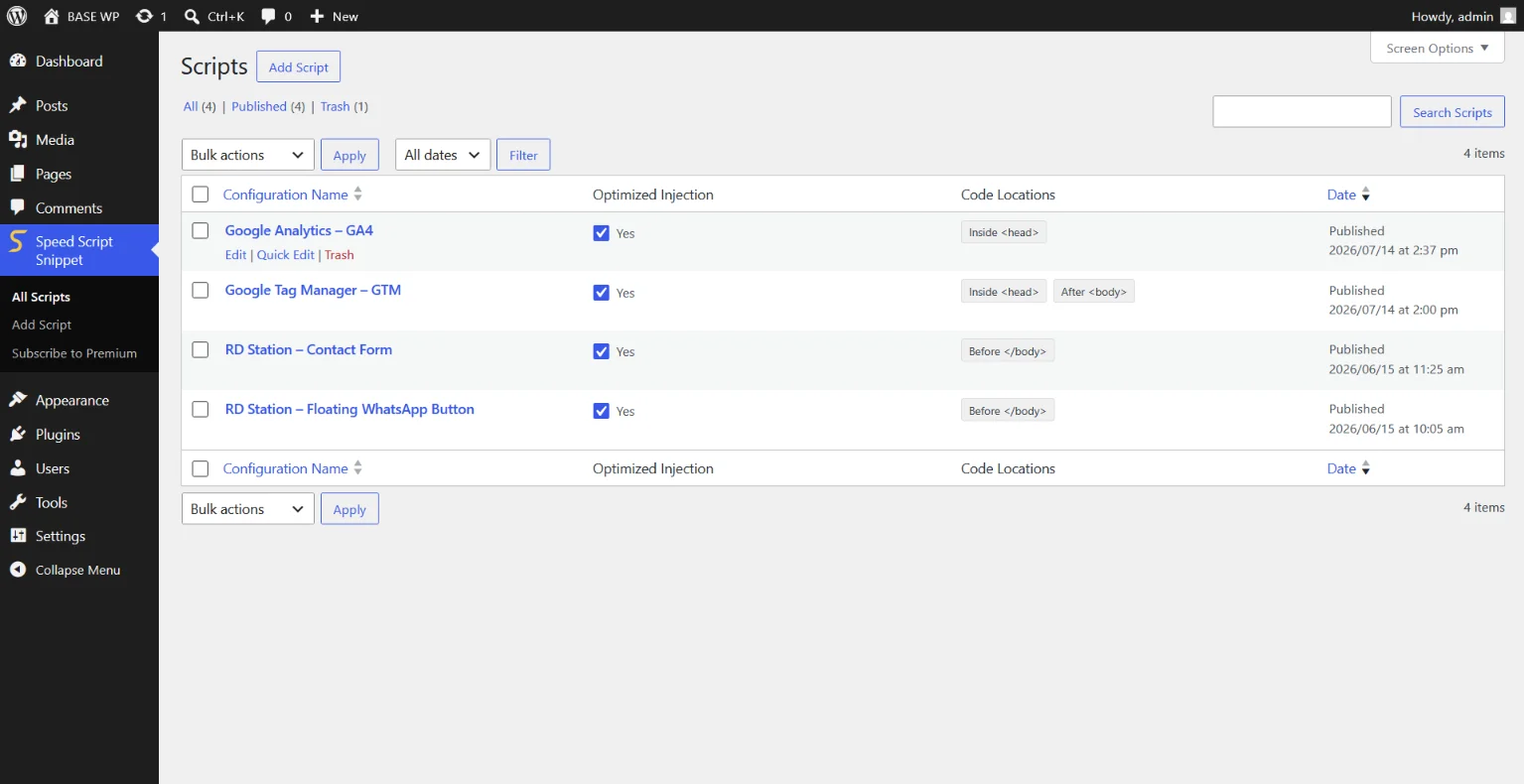
Speed Script Snippet is a lightweight script manager. It is recommended for inserting scripts for Google Tag Manager (GTM), Google Analytics (GA4), Facebook Pixel, RD Station, Pipedrive, HubSpot, Salesforce and many others! You can also insert your own scripts to capture events or add functionality to the site.
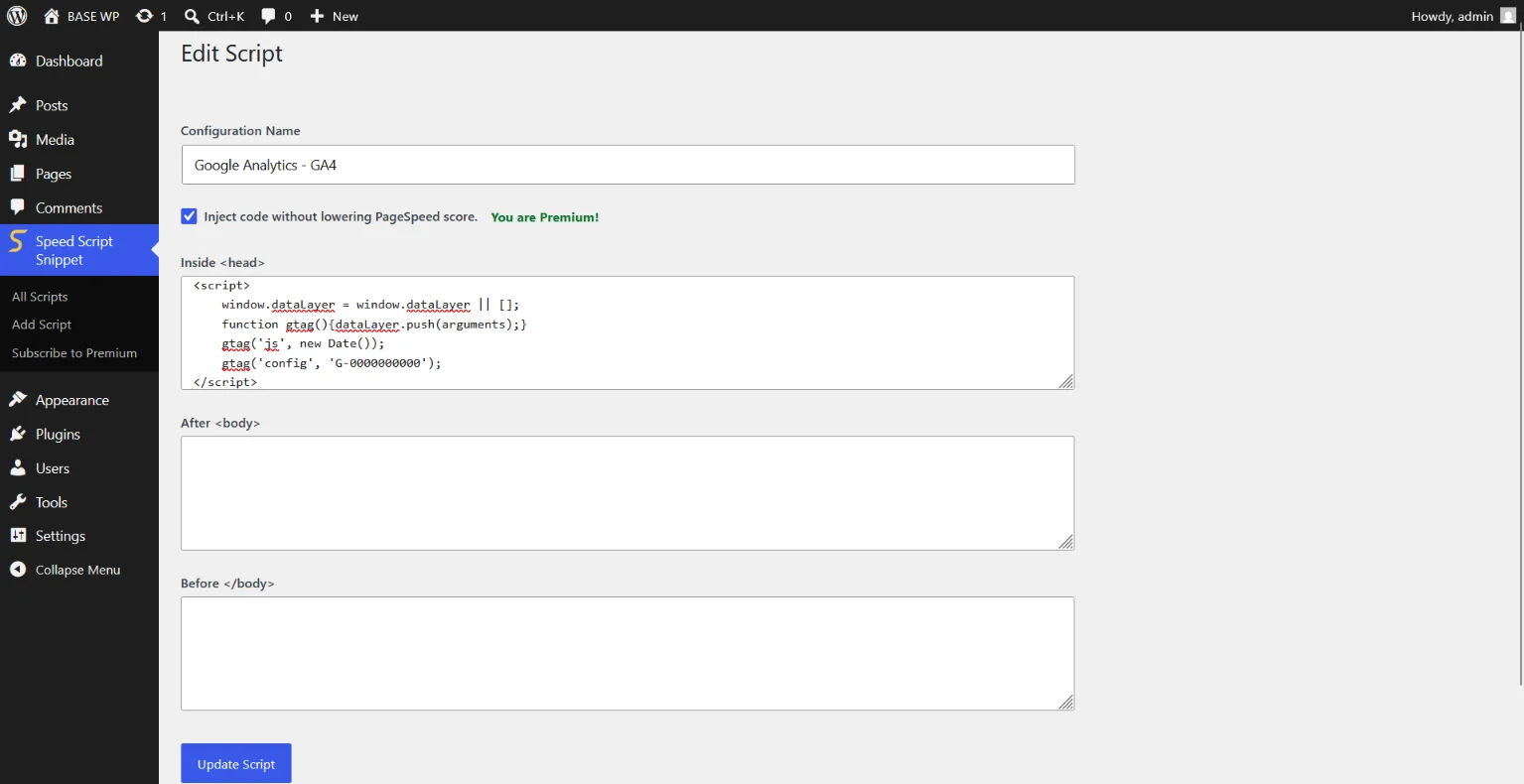
There are 3 options for injecting the script:
• Inside <head>
• After <body>
• Before </body>
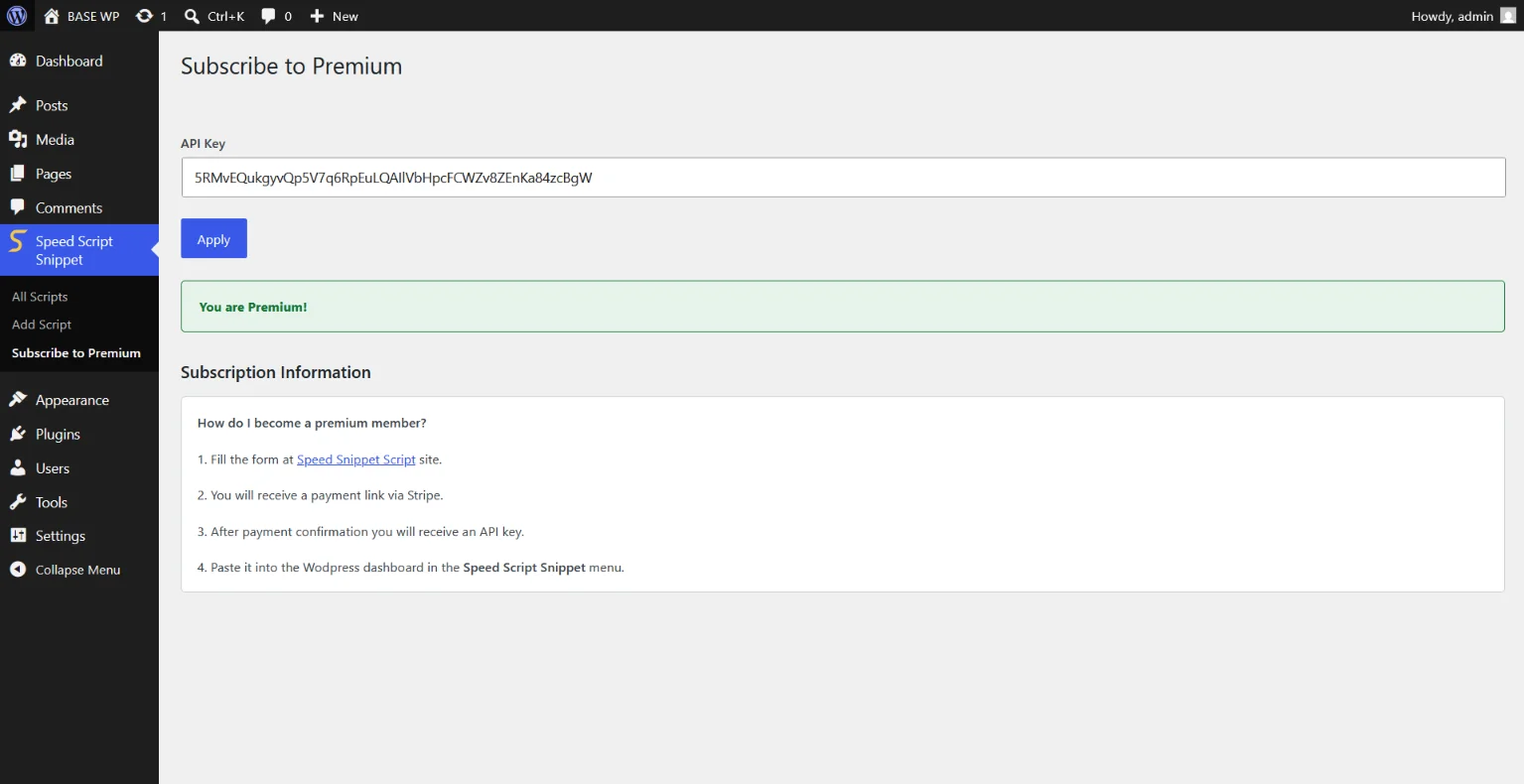
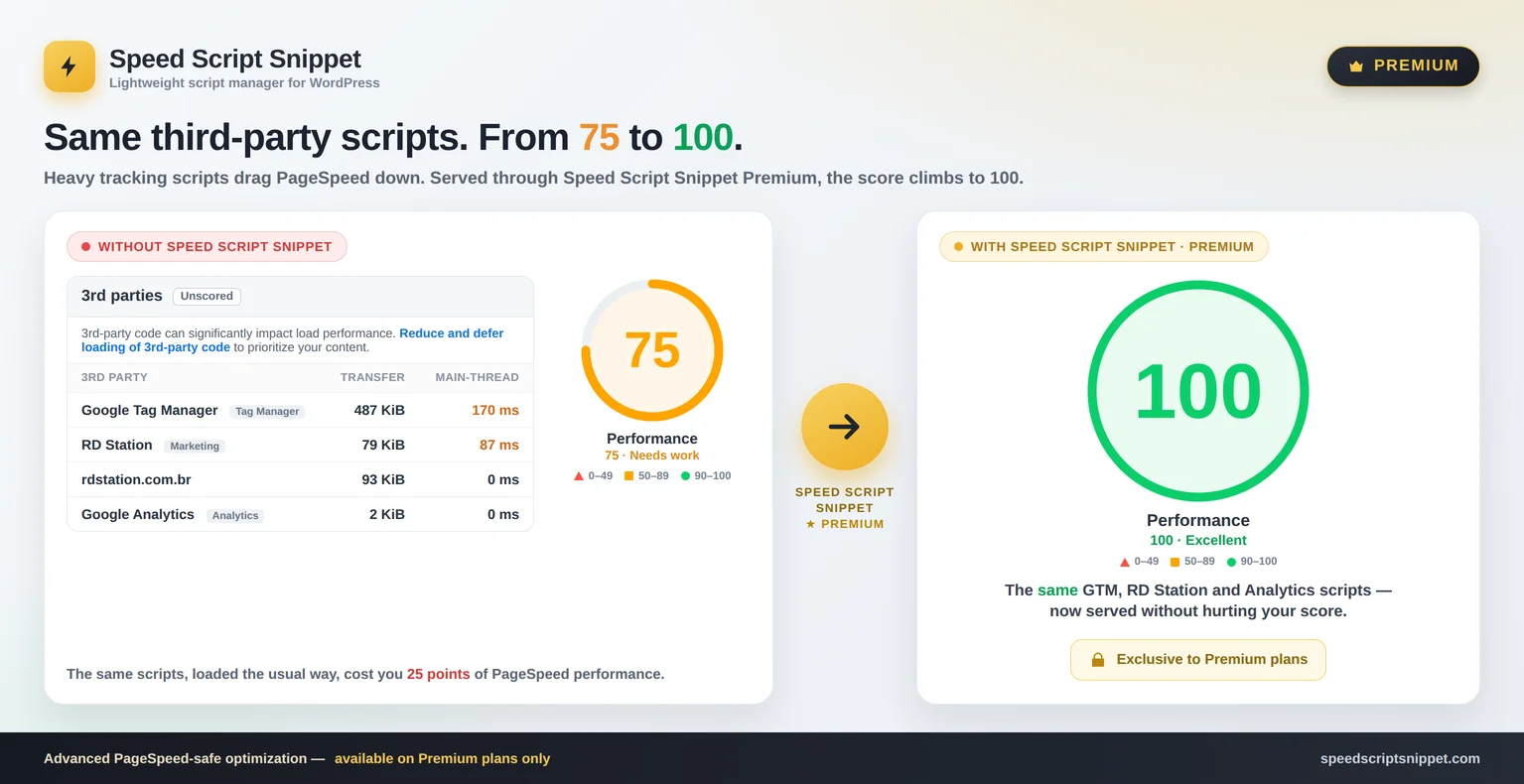
Premium subscribers have access to an advanced option that does not lower the PageSpeed score!
FAQ
1) Is Speed Script Snippet free?
Yes! You can insert as many scripts as you need using the plugin's features that help organize them.
2) What does the premium version offer?
The premium version injects the code in a way that does not affect the Google PageSpeed Insights score. It resolves the 3rd parties issues flagged by PageSpeed provided the script was inserted by the plugin and the premium plan is active. It does not fix other issues flagged by PageSpeed.
3) What happens if the premium plan expires?
The scripts will continue to be injected as usual. However the feature that improves the PageSpeed score will stop working.
4) Can I insert other types of code besides scripts?
The script is optimized to accept only JavaScript however you can also add CSS and HTML.
<script>: YES (recommended)
<style>: YES
HTML: YES
PHP: NO
5) On which pages is the script triggered?
All pages!
If you need to restrict when it triggers, you can use a simple `if` statement.
Tip: AI can help you write the "if" statement correctly.
6) Does the Speed Script Snippet track my site or visitors?
No. We respect the privacy of the project, visitors and developers. The only communication with our server involves a signature check for premium users passing the API key and some public information to verify authenticity.
7) Will the plugin receive updates?
Definitely! Security updates and compatibility with new versions of WordPress and PHP are within the scope.
New features for the tool will also be developed if the project is well-received by the community.
Check out the "Roadmap" section and feel free to suggest new features as well!
Installation and use
For download:
2) Search for "Speed Script Snippet" plugin in the WordPress plugin repository.
3) Click "Install Now"
2) In WordPress, go to the "Plugins" > "Add Plugin" menu located in the sidebar.
3) Click "Upload Plugin" and upload the downloaded ZIP file.
2) Extract the zip file.
3) Upload the entire folder to the /wp-content/plugins/ directory. Contact a developer or your hosting provider if you have any doubts about this step.
For activation:
2) Locate the Speed Script Snippet plugin and click "Activate".
For use:
2) Add your scripts there.
3) Consider subscribing to the premium version for amazing performance.
Changelog
Roadmap
• Inteligent IDE
• Dashboard for managing subscriptions and domains